Setup
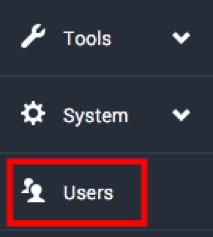
1. Select Users from the left sidebar menu.
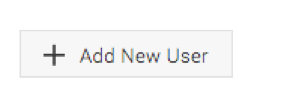
2. Click Add New User.
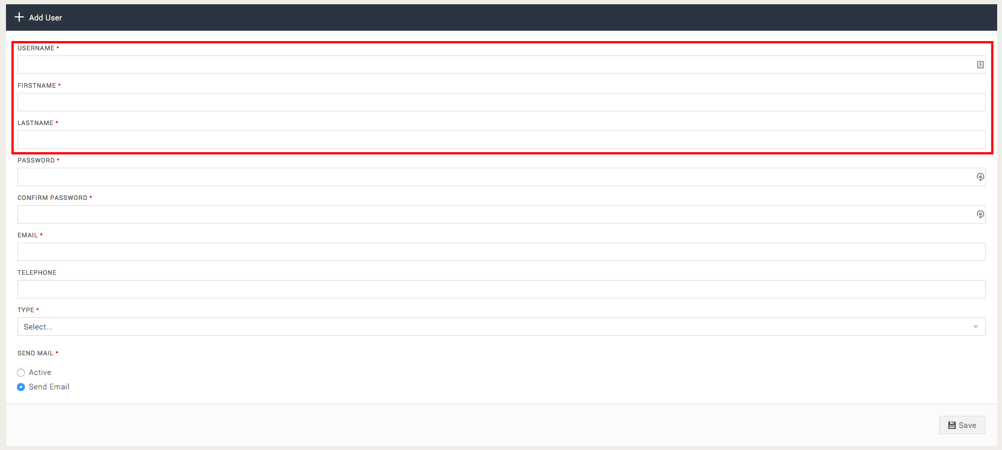
3. Provide the username, first name and last name of your user.
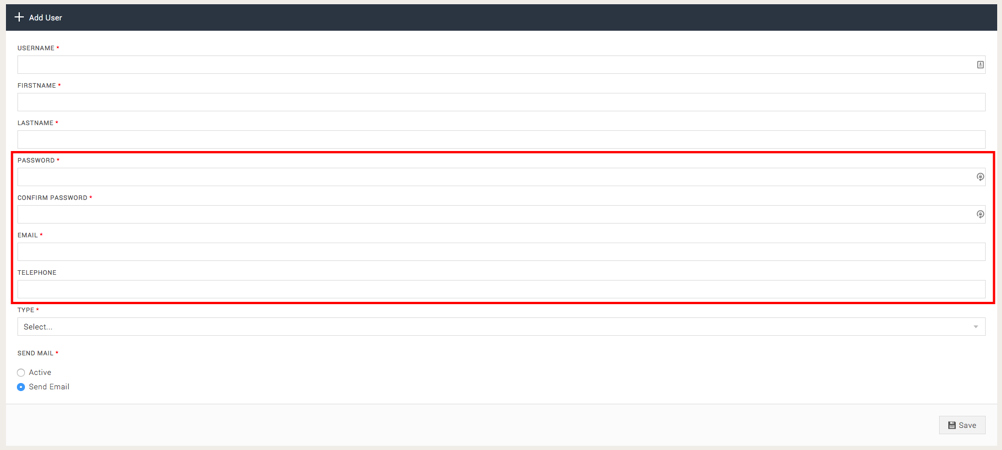
4. Provide a password, the user's email address and telephone number.
Please note: We recommend using a password generator to ensure the password is secure.
5. Select Agency as the type and choose if the user should recieve an activation email.

6. Under Features, select which areas the user should have access to.
Note: These can be changed at any time.
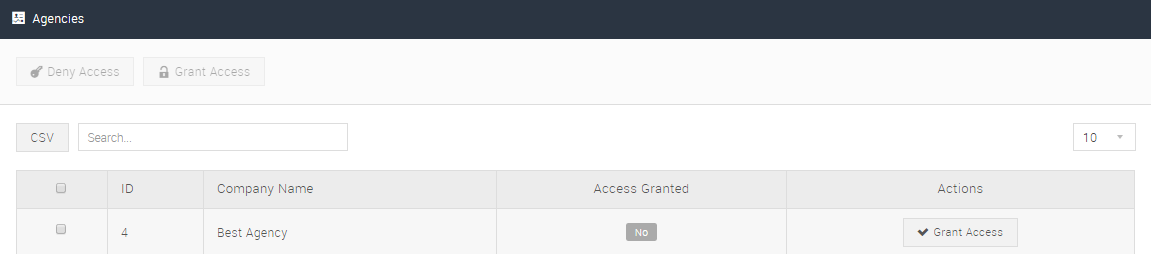
7. Check all details are correct and click Save. On the next step, assign this user to one of the agencies set up on the platform. Click 'Grant Access' next to the agency you want the user to be able to see.
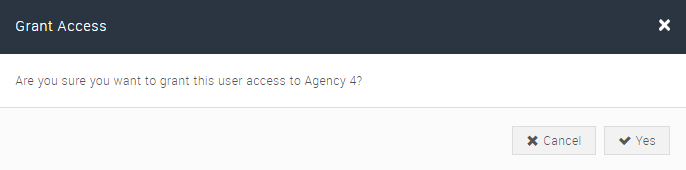
8. Confirm your action to grant the user access.
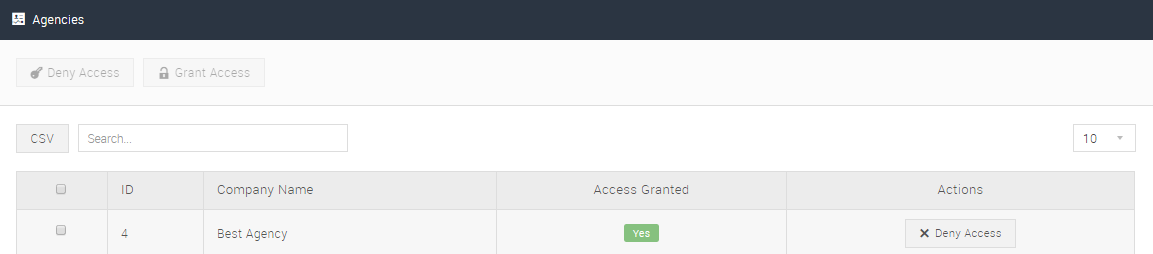
Once confirmed, the user account will be connected to the selected agency.
8. All campaigns under the agency will then appear. Click Grant Access beside the individual campaigns, or click Grant All to provide access to all campaigns.
To save your settings, click Save.